Upload a picture and Sherlock's AI searches publicly available web sources — social profiles, websites, blogs and news — to show you every visually similar match in seconds. Verify identities, check dating profiles, and find your own photos online.
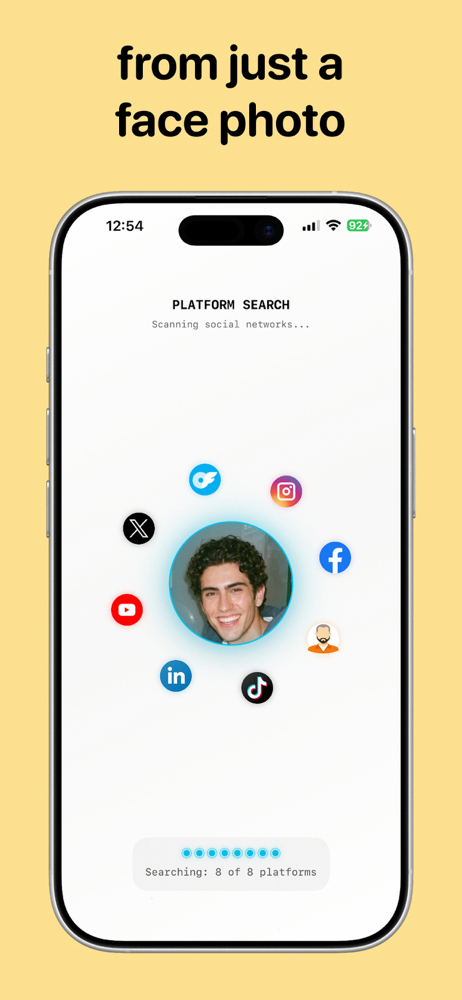
Most face recognition search engines are desktop websites. Sherlock puts AI face search and reverse image lookup on your Android phone — snap, upload, and search anywhere.
Search for matching faces across publicly available websites — powered by advanced facial recognition that maps 60+ facial landmark points.
Find visually similar photos and discover exactly where they're published online, from social profiles to news articles.
Trace any picture back to its original upload and every website reusing it — perfect for fact-checking and photo protection.
Recognizes facial features and visual patterns even when an image has been cropped, resized, filtered or compressed.
Browse matches with preview images, similarity scores and direct website links — no waiting, no desktop required.
Your searches stay yours. Data is encrypted in transit, nothing is shared with third parties, and only public sources are searched.
From upload to match in three screens — here's what a face search looks like inside the app.
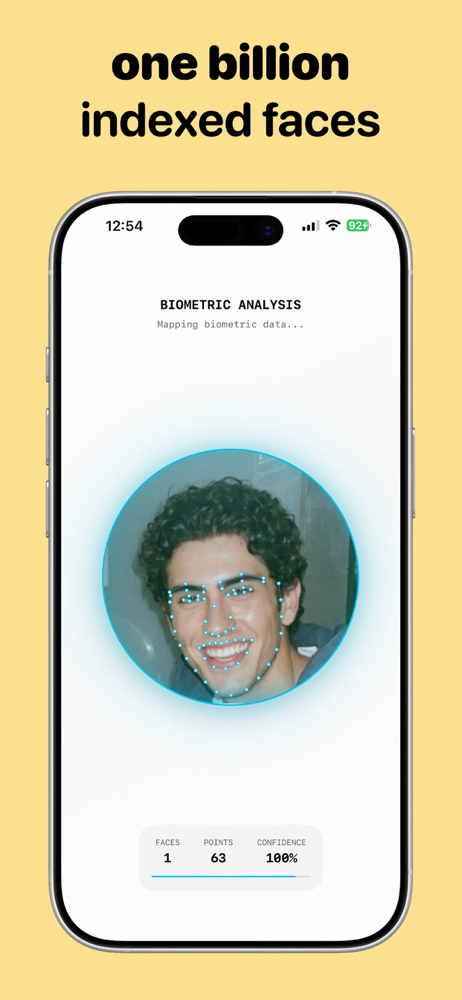
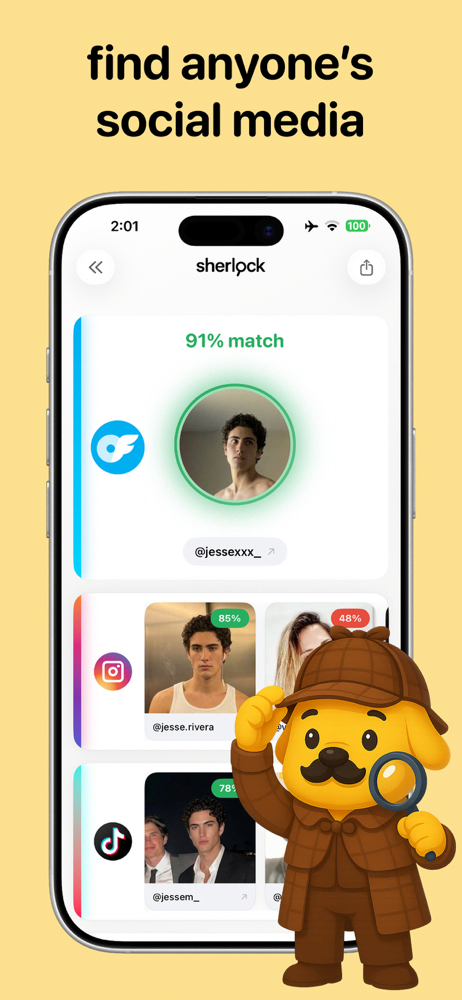
Three steps from photo to answer. No technical skills needed.
Pick any picture from your gallery or capture one with your camera. Clear, front-facing photos give the best face search results.
Sherlock maps the facial features and visual patterns in your image, then compares them against publicly available web sources.
Get visually similar faces and images ranked by match score, with preview thumbnails and direct links to the pages where they appear.
Practical, step-by-step answers to the questions people ask most — and how to solve them with Sherlock.
Got a photo and need a name, profile or context? The complete photo-to-person walkthrough.
Read guide → Dating SafetyVerify Tinder, Bumble or Hinge photos before you invest your time — or your trust.
Read guide → Catfish CheckThe warning signs of a fake identity, and the 60-second photo test that exposes most catfish.
Read guide → ProfilesTurn a single picture into a list of publicly listed profiles across major platforms.
Read guide → Photo ProtectionCheck where your own pictures appear online and catch stolen photos and fake accounts early.
Read guide → Fact-CheckTrace any photo back to its first upload — for fact-checking, credits and context.
Read guide → ComparisonWhy searchers are swapping desktop face search engines for a free mobile app.
Read guide → TutorialWhat reverse face search is, how it beats classic image search, and how to run one from your phone.
Read guide →Everything people ask about face search, reverse image lookup and Sherlock.
Upload the picture to a face search app like Sherlock. Its AI maps the facial features in the photo and compares them against publicly available web sources — social profiles, websites, blogs and news — then returns visually similar matches with direct links, usually in seconds. Learn more →
A classic reverse image search looks for copies of the exact same image file. A reverse face search analyzes the face itself, so it can find different photos of the same person — even if an image was cropped, resized or filtered. Sherlock combines both in one Android app. Learn more →
Save or screenshot the profile photo, upload it to Sherlock, and review where else that photo or face appears online. If the same pictures show up under different names — or on stock photo and model sites — the profile is likely fake. Learn more →
Run their photos through a face search. Catfish almost always reuse images taken from someone else's public accounts. If the face matches profiles under a different name, or the pictures trace back to another person entirely, you're likely talking to a catfish. Learn more →
Yes — when their photos appear on publicly available pages. Sherlock scans public web sources and returns profile matches with a similarity score, so you can find publicly listed accounts linked to a face. Learn more →
Upload your own photo to Sherlock and review the matches. You'll see the publicly indexed pages where your face or picture appears — an easy way to spot stolen photos, fake accounts and impersonation early. Learn more →
Use reverse image search. Sherlock locates other websites publishing the same or visually similar picture, so you can trace an image back to its original upload and see everywhere it's been reposted. Learn more →
Sherlock Face Search is a free-to-download Android alternative to PimEyes. Run face searches straight from your phone, with an optional Premium subscription for unlimited searches and faster processing. Learn more →
Yes — Sherlock is free to download on Google Play, with free searches to get started. Premium unlocks unlimited searches, faster processing and additional features. Get it free →
Sherlock only searches publicly available web sources — it never accesses private accounts or private databases. Searches are encrypted in transit and not shared with third parties. Use it responsibly: verify identities, protect your own images, and check profiles you interact with. Learn more →
Download Sherlock Face Search free and see where any face appears online — social profiles, websites, news and more. Your first search takes less than a minute.
 Glimpsa