 Glimpsa
The 60-second version: screenshot your match's profile photo, upload it to a face search app, and check where else that photo — or that face — appears online. Real people leave a consistent trail. Fake profiles unravel fast: the photos belong to someone with a different name, or show up on dozens of unrelated pages.
Why you should verify before you invest
Romance scams cost victims over a billion dollars a year, and nearly every one starts the same way: stolen photos of an attractive stranger. Scammers rarely use original pictures — they harvest them from public social accounts, model portfolios and stock libraries. That's their weakness. A photo that's been reused somewhere on the public web is a photo that reverse image search can catch.
Red flags worth a photo check
- Photos look professionally shot or "too perfect" for a casual profile.
- They avoid video calls or spontaneous selfies.
- The profile is new, sparse, or has photos that don't quite match each other.
- They escalate quickly — intense feelings, urgent stories, or any mention of money.
Any one of these is your cue to spend 60 seconds verifying.
💛 Verify a dating profile with Sherlock — 4 steps
- Screenshot the profile photo. Crop it so the face is clear and fills most of the frame.
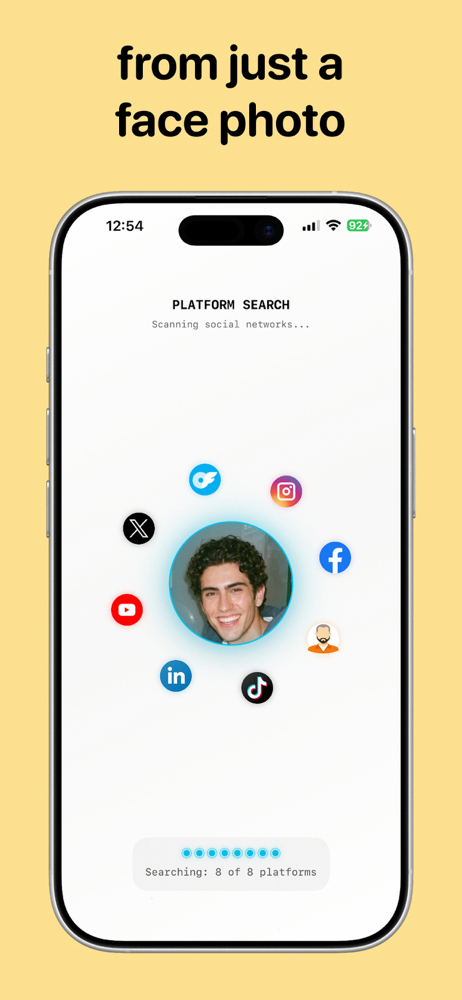
- Upload it to Sherlock. The AI maps the face and runs both a reverse image search and a face search across publicly available web sources.
- Scan the matches. Look at the names, usernames and sites attached to each result.
- Repeat with a second photo. Two photos returning consistent, same-name results is a good sign; the same face under different names is not.
How to interpret what you find
✅ Likely genuine
- Matches point to public accounts under the same name they gave you.
- The photo trail is consistent — same person, same life, over time.
- No results at all: their photos simply aren't circulating publicly.
🚩 Likely fake
- The face belongs to a person with a completely different name or nationality.
- The photos appear on stock photo sites, model portfolios or "romance scammer" watchlists.
- The same pictures appear on many profiles across different platforms.
Frequently asked questions
Can you reverse image search Tinder photos?
Yes. Tinder doesn't let you save photos directly, but a screenshot works fine. Crop to the face and upload it to Sherlock.
What if the photo appears under a different name?
Treat the profile as fake. Stolen photos are the foundation of nearly every romance scam. Stop engaging and report the profile to the platform.
What if there are no results?
That's usually reassuring — the photos aren't reused elsewhere on the public web. Keep normal precautions until you've verified them in person or on video.
Swipe smarter.
Check any dating profile photo in seconds with Sherlock Face Search — free on Google Play.