 Glimpsa
Quick answer: run the image through a reverse image search, then look for the earliest, highest-resolution, uncropped version among the results. That's almost always the original upload — and it tells you who posted it, when, and in what context.
Why the source matters
Images travel further and faster than facts. A photo of one event gets recaptioned for another; a portrait gets lifted onto a fake profile; artwork gets reposted with the credit stripped. Whether you're fact-checking a viral post, crediting a creator, or checking whether a "news" photo is really new, everything starts with the same question: where did this image first appear?
The method: search, then triangulate
Reverse image search gives you every public page using the picture. Finding the original among them takes three checks:
- Oldest date wins. Sort mentally by publication date — the earliest appearance is the strongest candidate for the source.
- Resolution and framing. The original is usually the largest file with the most complete frame; reposts get cropped, compressed and watermarked over time.
- Attribution signals. A photographer's name, a watermark, a photo agency credit or an original caption all point to the true origin.
🔎 Trace an image with Sherlock — 3 steps
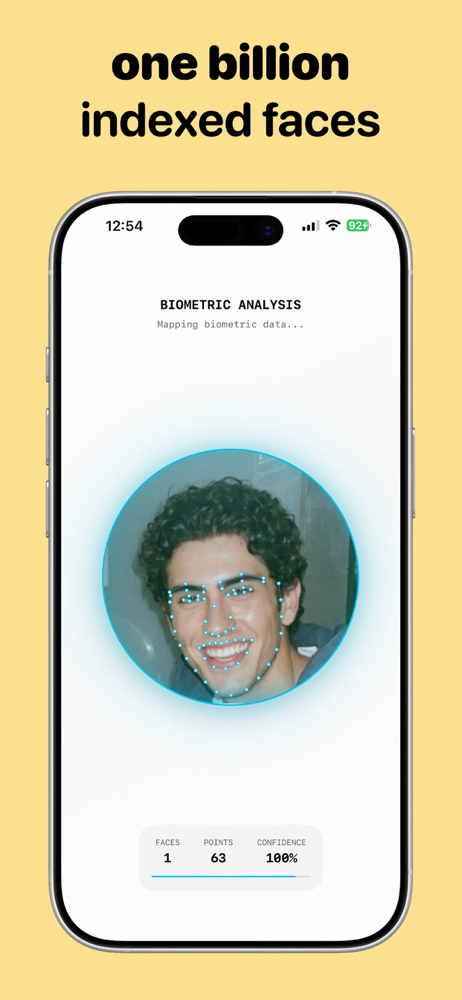
- Upload the image — from your gallery, or snap a photo of it. Sherlock also handles cropped and resized copies thanks to AI visual matching.
- Run the reverse image search. Sherlock finds visually similar photos and the websites publishing them across publicly available sources.
- Compare the results. Open the matches, check dates, sizes and credits, and identify the earliest upload — your original source.
Common cases, solved
Fact-checking a viral photo
If a "breaking" image traces back to a page from three years ago or another country, the caption is false. This single check debunks a huge share of viral misinformation.
Crediting a creator
Found a great photo with no attribution? The earliest, highest-quality result usually carries the photographer's name — credit (or license) accordingly.
Checking a profile picture
If someone's photo traces back to a stock library or a stranger's account, you're looking at a borrowed identity — see our catfish check guide.
Verifying a product or listing photo
Marketplace image appearing on dozens of unrelated listings? It's a stock or stolen photo, not the actual item. Ask the seller for an original picture.
Frequently asked questions
How do I find where an image came from?
Reverse image search it, then pick the earliest, highest-resolution, credited result — that's your source.
How can I tell which result is the original?
Oldest date, biggest file, fullest frame, and a name attached. When several signals agree, you've found it.
Can this detect fake photos?
It detects miscaptioned photos reliably. For AI-generated images, no source will exist — which is itself a useful signal.
Every image has an origin story.
Trace any photo to its source in seconds with Sherlock — free on Google Play.